

You can book a train ticket online in about five minutes: search your route on the official operator’s site or app, or a trusted aggregator like Globalholidayplanner, compare fares, enter passenger details, and pay. Real-time seat availability, instant e-tickets, and secure payment make this faster and more reliable than buying at a counter.
The next steps after picking your service:
- Search your origin, destination, and travel date.
- Pick a fare class and, where offered, a seat or berth.
- Enter passenger names and any required ID or passport numbers.
- Pay by card or digital wallet, then confirm the booking went through.
You’ll get a PNR or confirmation number right away, plus an e-ticket or mobile QR code you can pull up at the station. Keep both handy, because some operators check one, some check the other, and a few want both.
Key Takeaways
Booking a train online comes down to picking the right channel, prepping your ID and payment method, and verifying your PNR and e-ticket before you travel.
| Point | Details |
|---|---|
| Prep before you search | Have your ID, an account (if required), and a verified payment method ready before booking. |
| Follow the six-step flow | Search, compare fares, pick your seat, enter passenger details, review the fare, then pay. |
| Save your e-ticket offline | Screenshot or download your e-ticket and PNR in case you lose signal at the station. |
| Match fare type to flexibility | Non-refundable Advance fares cost less but carry stricter change and cancellation fees. |
| Use the right channel | Operator sites suit special quotas and refunds; Globalholidayplanner suits comparing and booking multi-leg trips in one search. |
Table of Contents
- What to Have Ready Before You Start Booking
- Step-by-Step: How to Book a Train Ticket Online
- How Do E-Tickets and PNRs Work?
- Operator Site, Aggregator, or App: Which Should You Use?
- Cancellations, Changes, and Refunds
- Quick Tips to Save Money and Improve Your Odds
- Country Notes: India, UK, and US Booking Differences
- What One Travel Planner Wishes Every Booker Knew
- Compare and Book Your Train Tickets With Globalholidayplanner
- Sources
- FAQ
What to Have Ready Before You Start Booking
A booking that stalls halfway through usually stalls because of something you could have prepped in advance. Have your ID or passport ready, and make sure the name you enter matches it exactly. Some networks, like India’s, require a free account before you can book at all: the IRCTC platform won’t let you search fares to purchase without one, so setting that up the night before saves you from missing a fast-selling quota window.
Have your payment method loaded and ready, since most banks now require 3D Secure or a one-time password (OTP) sent to your phone, and a slow OTP is one of the most common reasons bookings time out.
- Government-issued ID or passport matching the traveler’s name
- An account on the operator’s site, if required
- Card, digital wallet, or local payment method saved and verified
- Passenger ages and concession details for children, seniors, or students
- Passport numbers ready if you’re a foreign tourist booking a quota fare
Pro Tip: If you’re booking for a group, write down everyone’s exact legal name and date of birth before you start. Fixing a typo after payment is far harder than typing it correctly the first time.
Step-by-Step: How to Book a Train Ticket Online
Every operator’s interface looks a little different, but the underlying flow is nearly identical everywhere, from Amtrak to Irish Rail to IRCTC.
Search your route. Enter origin, destination, and date. If your dates are flexible, check a day or two either side. Off-peak departures are often noticeably cheaper than the same route at rush hour.
Compare the fares shown. Most operators list a mix of ticket types: cheaper Advance fares with restrictions, Off-Peak fares with looser time windows, and Anytime or flexible fares that cost more but let you change plans freely. Irish Rail’s booking guide notes that online sales for many routes open up to 90 days ahead, so the earliest search often shows the widest range of options.
Select your train, class, and seat. Some services let you pick a specific seat or berth; others assign one automatically after payment. Sleeper trains and long-distance routes usually give you more control over seat choice than short commuter hops.
Enter passenger details. Names, ages, and any concession category go here, along with passport numbers if the fare requires them. Group bookings usually need every traveler’s information entered individually, even when you’re paying with one card.
Review the fare breakdown. Check for service fees, taxes, and whether the fare is refundable or has a change fee attached. This is also where you’ll see any waitlist (WL) or reservation-against-cancellation (RAC) status if the train is nearly full.
Pay and confirm. Complete payment through your card or wallet, approve the OTP or 3D Secure prompt on your phone, and wait for the confirmation screen. You should get a PNR or booking reference immediately, followed by an e-ticket by email or in-app.
If something goes wrong, run through this quick checklist before assuming the booking failed:
- Sold out results: Try adjacent dates or times before giving up on the route entirely.
- Site down for maintenance: Most operators post scheduled maintenance windows, often overnight in their local time zone.
- Invalid OTP: Request a new code rather than retrying the same one twice; most systems lock after three failed attempts.
Pro Tip: Screenshot your payment confirmation the moment it appears. If your e-ticket email is delayed, that screenshot plus your PNR is usually enough to prove the booking at the station.
How Do E-Tickets and PNRs Work?
Your e-ticket typically arrives by email, inside the operator’s app, or as a downloadable PDF, and it’s worth saving an offline copy in case you lose signal at the station. A PNR, short for Passenger Name Record, is the reference number tied to your specific booking. You can check its status anytime on the operator’s site, and if you were waitlisted or on RAC, that status updates automatically as other passengers cancel.
- Save your e-ticket as a screenshot or PDF, not just an email you might not load offline.
- Check PNR status the day before travel if you were on a waitlist.
- Carry the exact ID whose name matches your booking. A mismatch can cause problems at ticket checks.
- Some stations offer counter pickup for reservations made online, useful if your phone battery is a concern.
Checking live departure boards on travel day is a smart habit too. Platform numbers and delays change fast, and the app notification isn’t always the quickest way to find out.
Operator Site, Aggregator, or App: Which Should You Use?
Official operator websites and apps are your best bet when you need a special quota, a direct refund path, or support tied specifically to that carrier. India’s Foreign Tourist Quota, for example, is only accessible through the official channel.
Aggregators and marketplaces earn their place when you want to compare fares across multiple operators without visiting five different sites. A platform like Globalholidayplanner lets you search train options alongside flights and hotels in one session, which matters most on multi-leg or cross-border trips where you’d otherwise juggle several logins and currencies.
- Operator sites/apps: best for official fares, direct customer support, and special quotas.
- Aggregators: faster comparison across services, useful for planning a trip that mixes trains with other transport.
- Third-party booking apps: convenient for push notifications and mobile-first users, but check for small service fees layered onto the base fare.
Pick the operator when you need a guaranteed quota or a straightforward refund. Pick an aggregator when you’re comparing options across a country, or planning a longer trip with connected legs.
Cancellations, Changes, and Refunds
Refund rules depend entirely on the fare type you bought. Cheaper Advance fares almost always carry stiffer change fees or no refund at all, while flexible or Anytime fares typically let you cancel closer to departure with less penalty.
Manage your cancellation wherever you originally booked. A ticket bought through the operator gets changed on the operator’s site; one bought through a reseller or aggregator gets changed through that same platform, not the railway directly.
- Refundable fares almost always cost more upfront than non-refundable ones.
- Cancel earlier for a better refund. Waiting until the day before usually reduces what you get back.
- Waitlisted or RAC bookings can shift status right up until departure, so check again close to travel time.
- If your ticket partially confirms (some passengers get seats, others don’t), most systems let you decide whether to keep or cancel the unconfirmed portion.
Quick Tips to Save Money and Improve Your Odds
Booking early for Advance fares is the single biggest lever many travelers overlook. National Rail notes that Advance tickets are often released on a fixed schedule and can sell out fast on popular routes, so setting a reminder for release day pays off.
- Book Advance fares as soon as they’re released. Waiting even a few days can double the price.
- Shift your travel time by an hour or two. Off-peak departures are consistently cheaper than rush-hour trains.
- Check whether a railcard, pass, or age-based concession applies before you pay full fare.
- For high-demand routes, use a comparison tool to track when advance fares open.
Pro Tip: Pre-fill your passenger details and payment method before a quota or advance-fare window opens. On systems where tickets release at a fixed time, like IRCTC’s tatkal window, the seconds you save typing can be the difference between a confirmed seat and a waitlist number.
Country Notes: India, UK, and US Booking Differences
Rail booking rules vary enough by country that treating one system’s habits as universal will trip you up. India’s IRCTC requires an account for nearly all bookings, runs general quota release windows around 60 days out, has a separate tatkal (short-notice) quota, and lets foreign tourists book a dedicated quota with a matching passport number. The UK’s National Rail journey planner is the safest way to check permitted routes on multi-leg journeys, since regional fare rules can make some ticket combinations invalid without it. In the US, Amtrak strongly favors online and app purchases, and buying onboard typically costs significantly more than pre-purchasing.
Treat every rule above as specific to that country’s system, not a global standard.
What One Travel Planner Wishes Every Booker Knew
The habit that saves the most time isn’t a hack, it’s discipline: run one comparison search across operators before you commit to a single site, and keep your passenger and payment details pre-filled so you’re not retyping them under pressure. Fewer duplicate tabs mean fewer duplicate bookings, and fewer errors when a fare window is closing fast.
Compare and Book Your Train Tickets With Globalholidayplanner
Booking rail travel across borders usually means bouncing between five different national sites, each with its own login and currency. Globalholidayplanner cuts that down to one search that compares train options alongside flights, hotels, and car rentals, so you can build an entire trip without reopening tabs for every leg.
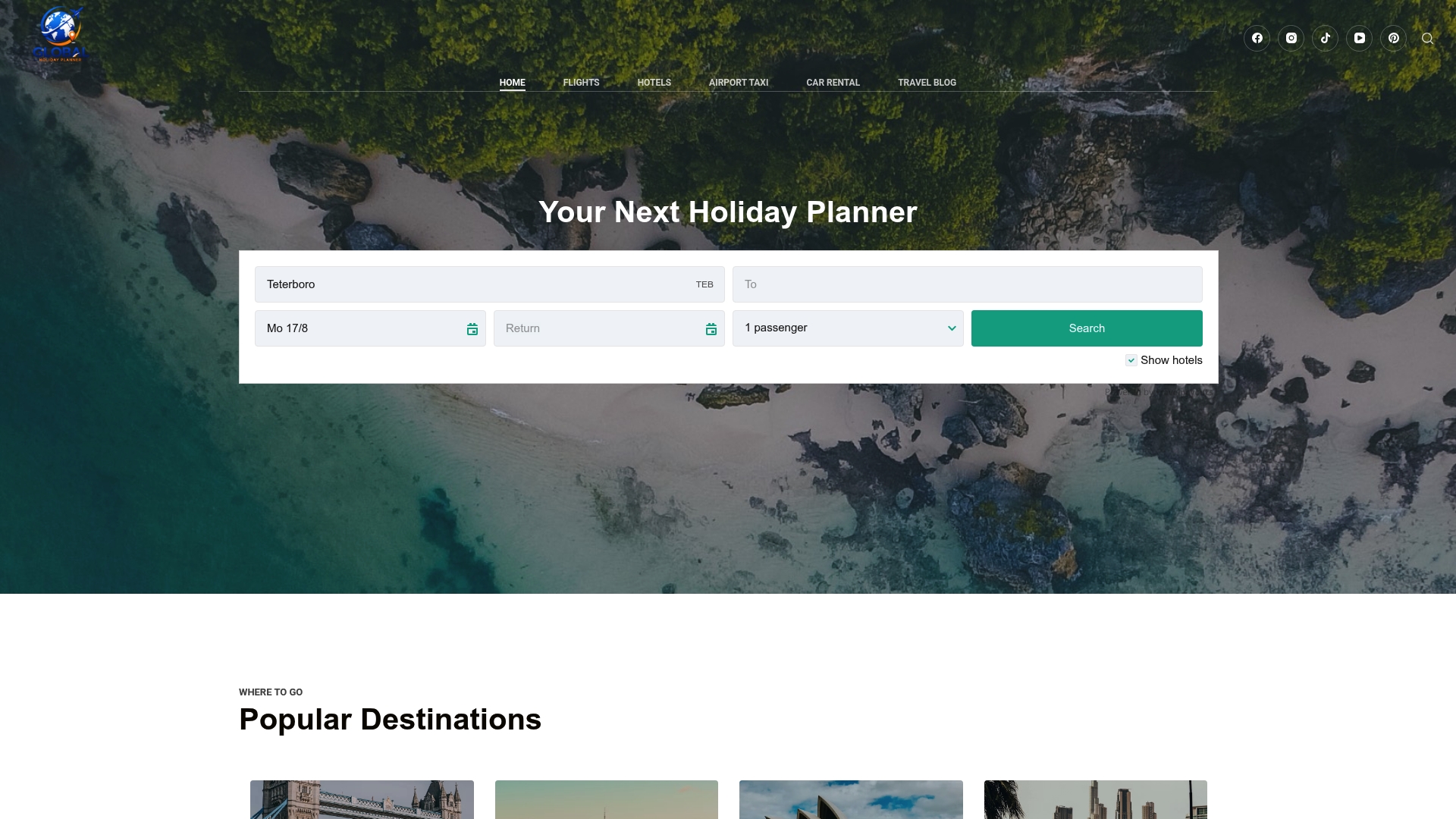
That single-search approach matters most when you’re stringing together a multi-country rail trip or pairing a train leg with a flight home. Globalholidayplanner surfaces verified provider links and gives you a support line if something goes sideways after booking, which a bare operator site often can’t offer once you’ve left its platform. If you’re planning your next trip, start your route and fare comparison and see what a single checkout across multiple travel components actually looks like.
Sources
FAQ
What Is the Best Way to Book Train Tickets Online?
For most trips, compare fares on the official operator’s site first, then use an aggregator like Globalholidayplanner if you’re planning a multi-leg or cross-border journey and want everything in one checkout.
How Does an Online Train Ticket Actually Work?
You search your route, pay online, and receive a PNR plus an e-ticket by email or app; the e-ticket often includes a QR code that station staff or conductors scan alongside your matching ID.

What Are the Benefits of Using an Aggregator Like Trainline-Style Platforms?
Aggregators let you compare fares across multiple operators in one search instead of visiting each carrier’s site separately, which saves time on trips that cross more than one rail network.

Do I Need an Account to Book Train Tickets Online?
It depends on the system: India’s IRCTC requires a free account for nearly all bookings, while many European and US operators let you check out as a guest.
What Should I Do if My Train Booking Shows a Waitlist Status?
Check your PNR status again closer to departure, since waitlisted or RAC seats commonly confirm as other passengers cancel their tickets.